*Текущая стоимость уже могла изменится. Что бы узнать актуальную цену и проверить наличие товара, нажмите "Добавить в корзину"
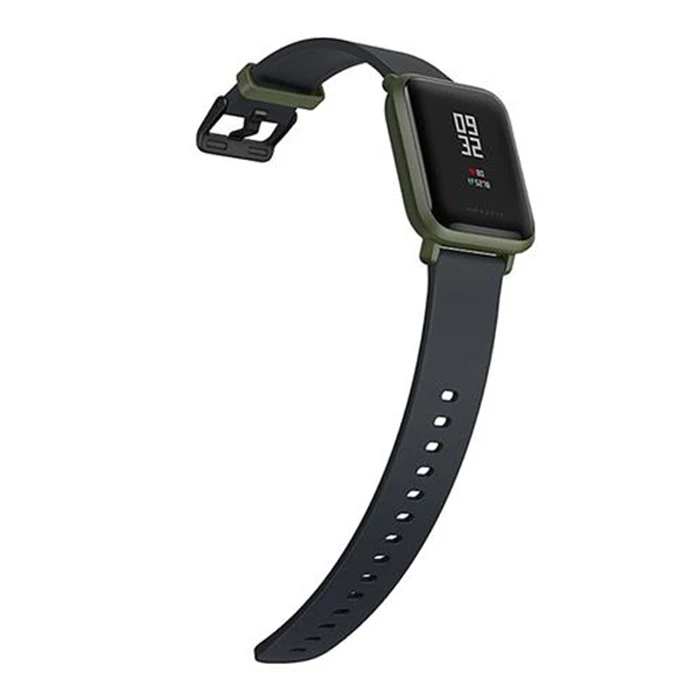
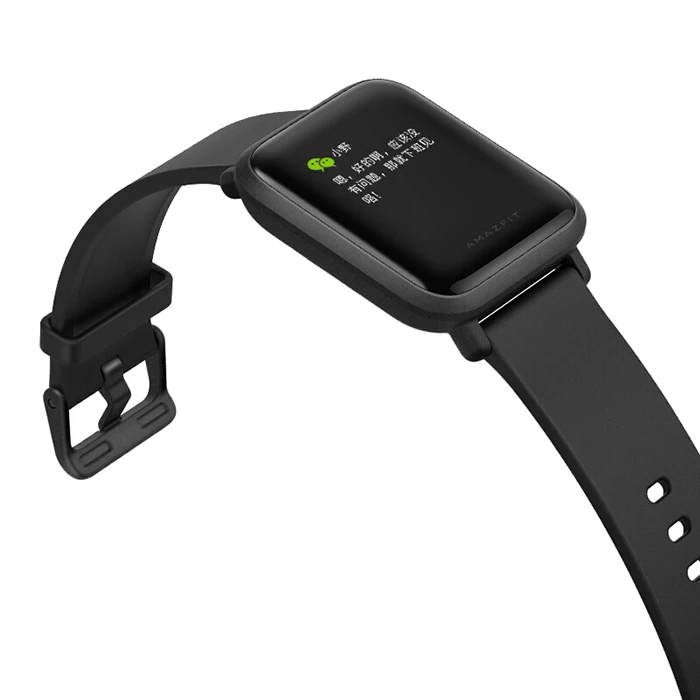
Main Features:
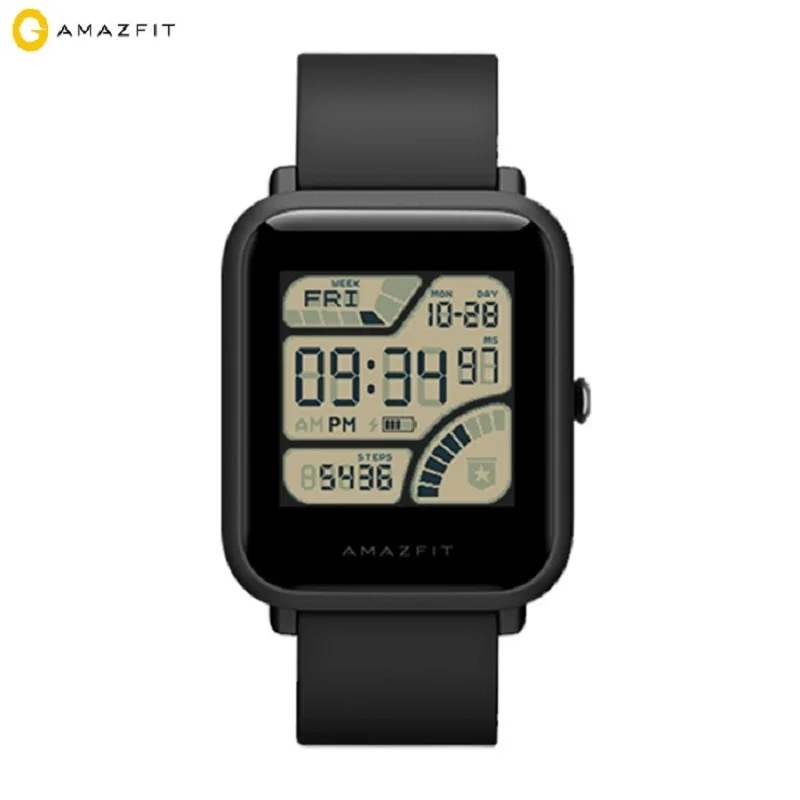
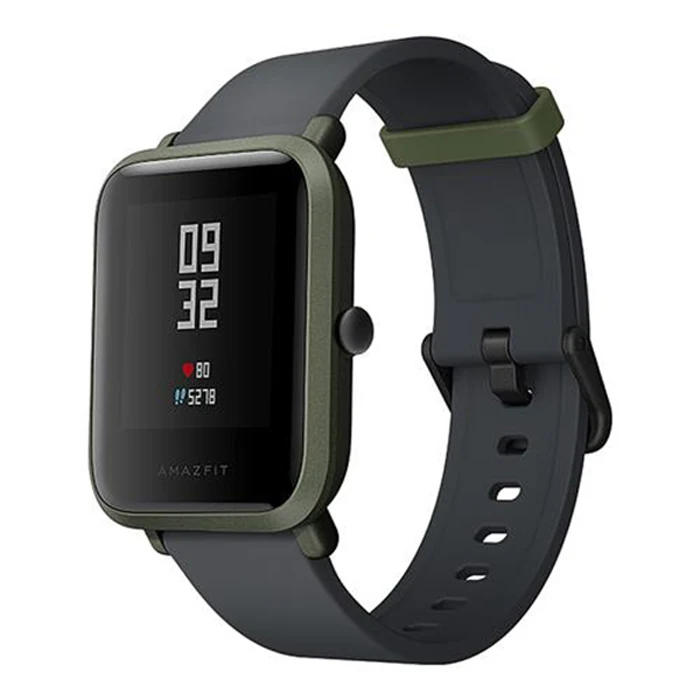
● Heart rate monitor
Considerate monitor contact designed on the behind of the watch, take care of your health anytime and anywhere
● GPS + GLONASS dual positioning
Easy to find accurate position, provide you safe assurance
● Sleep monitoring
Carefully monitor your sleep quality
● Bluetooth 4.0
Connected with mobile phone App, stable, fast and super low consumption
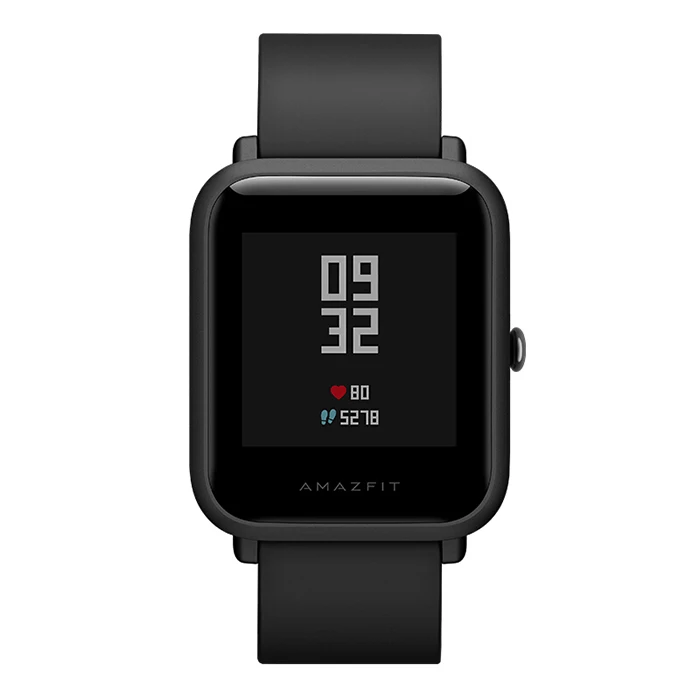
● 1.28 inch with 2.5D Corning Gorilla Glass screen
Best suitable screen size with high definition picture displaying gives you great experience
● 3.7V / 190mAh Polymer Lithium Battery
Brand: Xiaomi
Bluetooth Version: Bluetooth 4.0
IP rating: IP68
Waterproof: Yes
Alert type: Vibration
Bluetooth calling: Phone call reminder
Health tracker: Pedometer,Heart rate monitor,Sedentary reminder,Sleep monitor
Messaging: Message reminder
Other Function: GPS,Alarm,Barometer
Screen: Corning Gorilla Glass Screen
Screen resolution: 176 x 176
Screen size: 1.28 inch
Operating mode: Press button
Battery Capacity: 190mAh
Charging Time: About 2.5hour
Standby time: 45 days
Type of battery: Polymer lithium battery
People: Male table,Female table
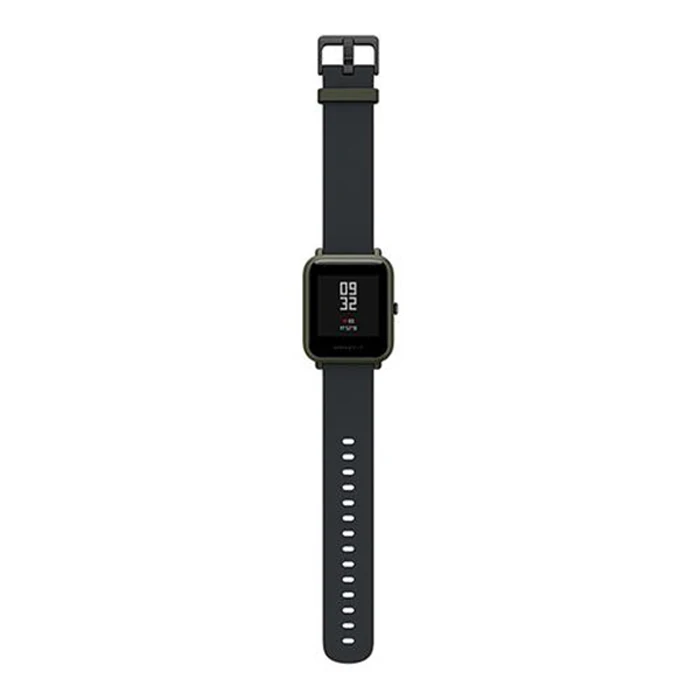
Band material: Silicone
Case material: Polycarbonate
Shape of the dial: Rectangle
Compatability: Android 4.4 / iOS 8.0 and above systems
Compatible OS: Android,IOS
Package size (L x W x H): 15.00 x 15.00 x 15.00 cm / 5.91 x 5.91 x 5.91 inches
Package weight: 0.210 kg
Product size (L x W x H): 24.00 x 2.50 x 1.30 cm / 9.45 x 0.98 x 0.51 inches
Product weight: 0.183 kg
Package Contents: 1 x Smart Watch, 1 x Charging Cable, 1 x English Use
FAQ for Smart Watch and Wristband 1. Q: I can’t charge my watch / bracelet and it doesn’t power on, what should I do? A: If this is the first time you’ve charged your watch / bracelet, please use the adapter to power it, charge it for more than 3 hours, then press the button to start it; If you have not used the watch / bracelet for a long time without charging it, the battery would have opened the UVP function. In this situation, you need to activate the battery before using. (You can go to the phone repair shop to activate the battery). 2. Q: Why can’t I connect with Bluetooth? A: 1. If the phone's Bluetooth version is lower than the watch's / bracelet’s, they will not be able to pair; 2. If the phone's Bluetooth version is equal to or higher than the watch's / bracelet’s, but is initially unable to pair, then you need to clear the Bluetooth connection history on the phone, scan and re-connect again. 3. Q: The watch / bracelet icon shows that it has paired over Bluetooth, however the APP cannot sync data. How do I resolve this? A: Generally it is caused by the Bluetooth of the phone. Please close the APP first, restart the Bluetooth connection and re-pair the two devices. If the above step does not work, please restart your phone and try to pair the devices again. 4. Q: Why does my watch / bracelet frequently lose connection with my phone? A: Please check if your phone or other security software has set the APP as a trusted APP or not. This is required to pair the two devices. If it hasn’t, please set it as trusted APP and try again. 5. Q: Why am I unable to connect with the APP? A: Please making sure the OS of your phone is within the range that the smart watch / bracelet supports.
![]()
![]()
![]()
![]()
![]()
![]()
![]()
![]()


